Job Smart logs every visit and bills your clients on schedule.
Built for lawn care, pool, pest control, and other businesses with recurring clients. Add a job once with its address and billing contact. When you finish a visit and drive off, Job Smart creates the invoice, then emails it on the schedule you set for that client.
- Free download
- For iPhone and Android
Billing is usually the part of the job that gets put off.
- Forgotten invoices
- A property gets missed here and there, and that invoice just never goes out.
- End-of-month catch-up
- Sitting down at the end of the month trying to remember who still owes you money.
- Manual entry, every time
- Typing the same client details into the same invoice every single week.
How it works
You set each job up once. After that, this is what happens on every visit.
-
Step 1
Add the job
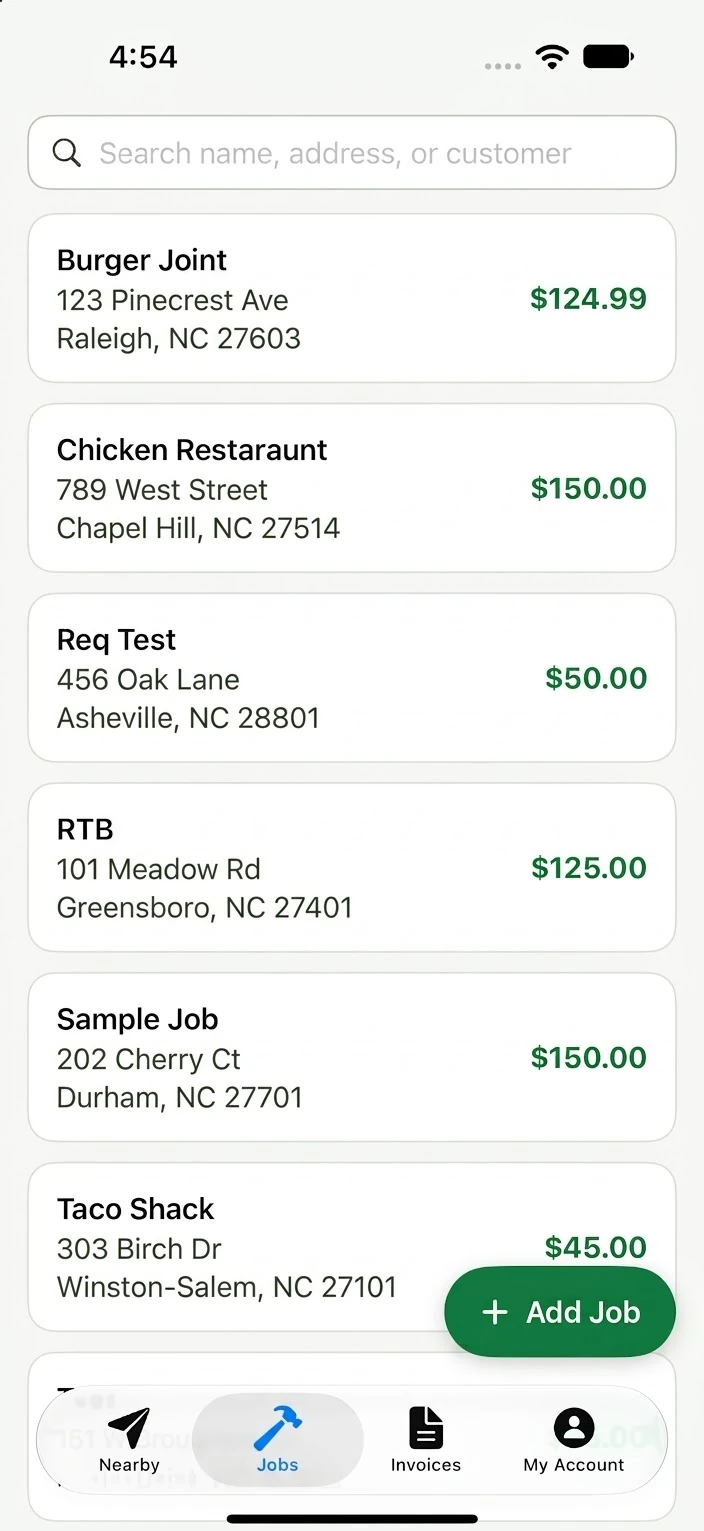
In the Jobs tab, enter the job details, the property address, and the contact who should get the invoice. Then set how often that client is billed.
-
Step 2
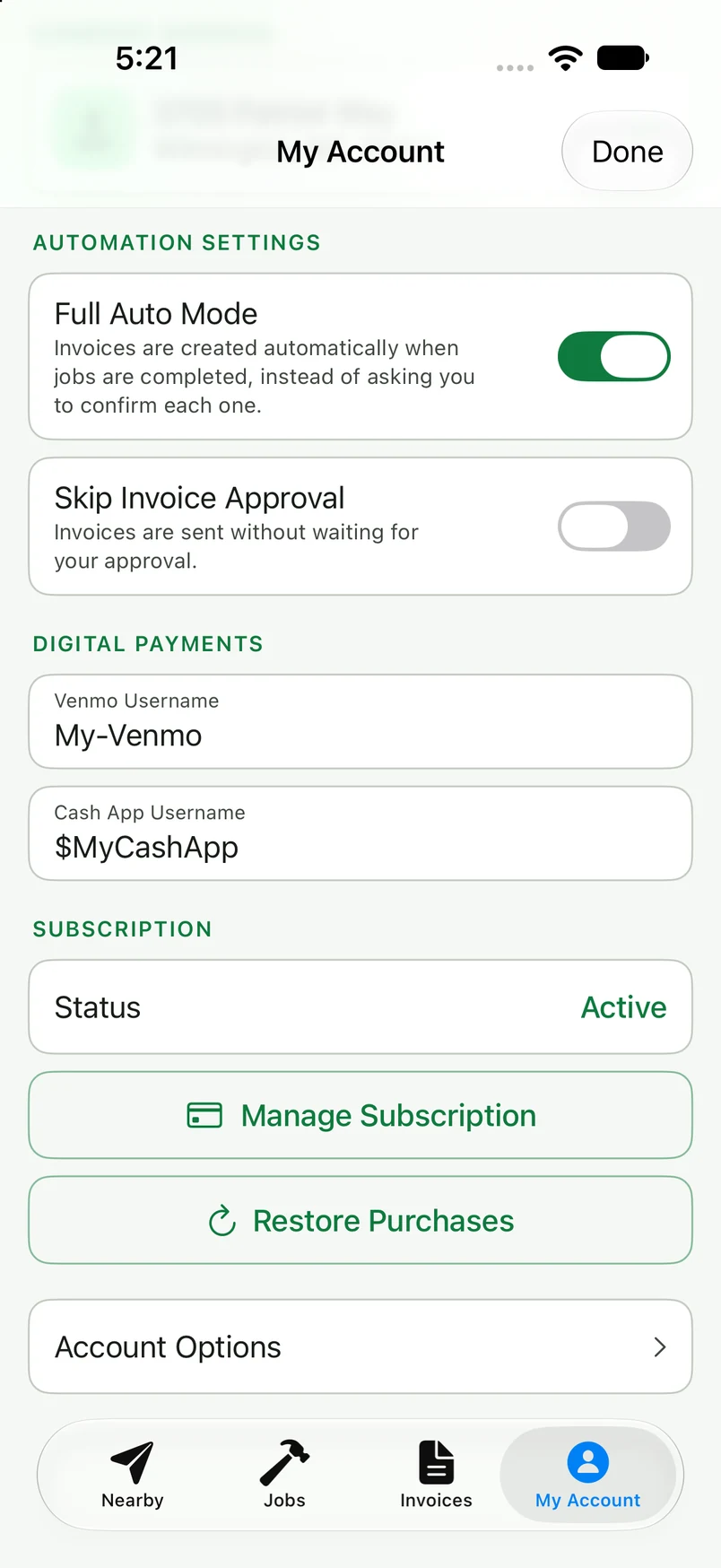
Turn on Full Auto Mode
Automatic invoicing is part of Job Smart Pro. Switch on Full Auto Mode under My Account. Job Smart uses your phone's built-in low-power location monitoring, so the battery impact is minimal.
-
Step 3
Do the work and drive off
A visit is logged after you've been on the property for a while and then leave. Driving past or stopping briefly won't count.
-
Step 4
The invoice goes out on schedule
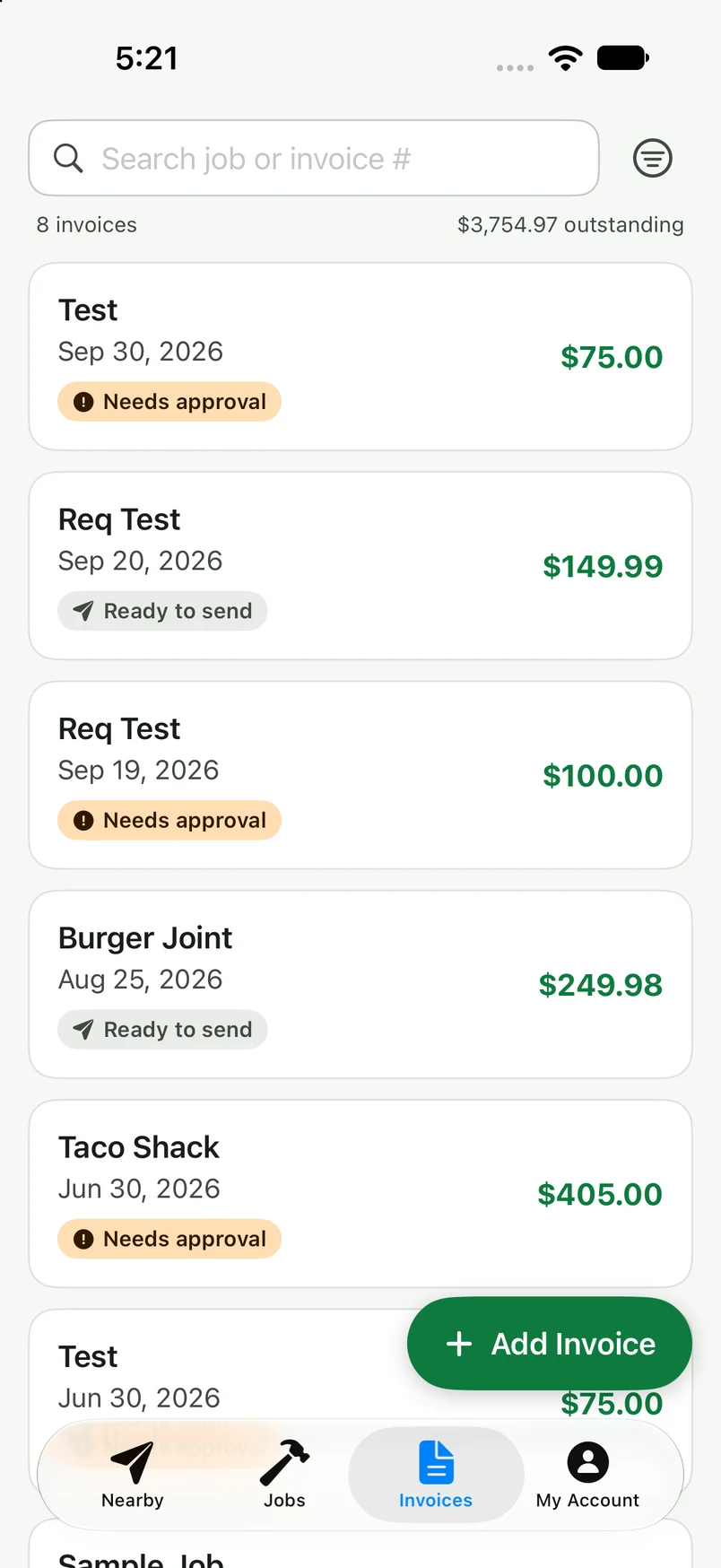
Each visit becomes an invoice on that client's billing schedule. By default, invoices wait for your approval before they're emailed. Turn on Skip Invoice Approval and they go out on their own.
-
Step 5
Get paid by Venmo or Cash App
Add your Venmo and Cash App usernames under My Account and your QR code is included on your invoices, so clients can pay you as soon as the invoice arrives.
Built for recurring service businesses
If you visit the same clients on a repeating schedule, Job Smart fits the way you already work. These are a few common examples.
Lawn care & landscaping
Weekly, bi-weekly, seasonal
Mows and cleanups are logged when you pull out, then billed on each client's schedule.
Pool cleaning & maintenance
Weekly or bi-weekly
Every stop on the route is logged as you go, so nothing gets missed at billing time.
Pest control
Monthly or quarterly
Treatments are recorded automatically and billed without a separate spreadsheet.
Other invoicing tools wait for you to open them.
Most invoicing software is good at building a clean-looking invoice. It's not good at knowing when one actually needs to go out. You still have to remember to open the app, find the client, and hit send. Job Smart doesn't wait for that. It watches for the one thing that really means a job is done: you leaving the property.
Free to download.
Download Job Smart free today. Automated invoice generation and scheduled emailing available with Job Smart Pro subscription. Pro is $9.99 per month.
Available on the App Store and Google Play.
What's coming next
-
Crews
Bring your employees into the app. You set up the company account and add your team, and each crew member can log job completions from their own phone.
-
Credit card payments
Let clients pay their invoices by credit card, alongside Venmo and Cash App.
Frequently asked questions
What is geofenced invoicing?
A geofence is a virtual boundary around a job address. When you've spent time inside it and then leave, Job Smart logs the visit and creates an invoice. The invoice is emailed to your client on the billing schedule you set for them.
What kind of businesses is Job Smart built for?
Recurring, route-based service businesses. Lawn care and landscaping crews, pool cleaning and maintenance routes, and pest control companies are the best fit today, since Job Smart is built around clients you bill on a repeating schedule: weekly, bi-weekly, monthly, or quarterly.
Do I have to open the app to send invoices?
Only if you want to approve them. By default, each invoice waits for your approval before it's emailed. Turn on Skip Invoice Approval and invoices go out on each client's schedule without you opening the app.
Will it drain my battery?
Job Smart uses your phone's built-in low-power location monitoring. On iPhone, that's the same system Find My relies on. In testing, the battery impact has been minimal.
What if I drive past a job without stopping?
Nothing happens. A visit is only logged after you've been inside the geofence for an extended period.
Can I edit an invoice or make one by hand?
Yes. You can edit any draft invoice before it goes out, including line items, notes, and the amount. You can also create an invoice from scratch, or send one yourself by text or email.
Can my clients pay me with Venmo or Cash App?
Yes. Add your Venmo and Cash App usernames under My Account, and Job Smart includes your QR code on your invoices so clients can pay you directly.
What happens to my location data?
Location is used to detect job visits. We do not save, store, or sell your location data. Additionally, data is encrypted in transit. Details are in the privacy policy.
Is Job Smart free?
Job Smart is free to download. Automatic invoicing is part of Job Smart Pro, available as a monthly or yearly in-app subscription.
What is Job Smart called in the App Store and Google Play?
Search for Job Smart Automated Invoicing. That's the listing name on both the App Store and Google Play.
Download Job Smart and let the invoicing take care of itself.

Free on the App Store and Google Play.